Showing posts with label I-Pad. Show all posts

Tuesday, June 1, 2010

I-Pad for Photographers (1)

I wanted to share some of my experiences with the Apple I-Pad with Wi-Fi, 3G and photo-kit. Is it something worth while for you? The pictures that accompany this posting were all downloaded and processed in the I-Pad using the Apple Photo-Kit and the Photogene App.
I thought that I would break up the postings between interesting tools and actual photo editing tools. Today I wanted to highlight some of my experiences with two applications I use to keep track of photography information. They are both RSS feed readers that are configured differently but make keeping up with whats happening in photography and other interest easy.
The first App is Early Edition and it is laid out like a Newspaper it goes out and gets your feeds and allows you to get a quick look at the information. The picture to right shows the page layout and the picture below shows the feed directory so you can easily switch between different sections as in my case photography and high tech.
This next picture shows you how a page looks from a individual story.
The next app that I use is Pulse which also uses RSS feeds but has a more visual format that is excellent for keeping up with picture sites like Smugmug and Flickr.
As you can see the app is laid out like a bunch of film strips and you just swipe through them to find a article you are interested in. Tap on it and here is what you see.
You have a choice of the above text view version or the below web view version.
In both versions you have the article strip below so you can navigate to other articles of interest. I like and use both of these apps they save time and energy along with simplifying the retrieval of useful information.  I find that since I got my I-Pad I read more photography based literature on it than I ever did on the computer.
The form factor and the easy transport of the I-Pad make it a handy tool, even if you don't use your I-Pad to import and edit photographs the research tools alone make this a useful tool for photographers.
The photo-kit cost was $29.00 from the Apple on line store.  Early Edition App $4.99 and Pulse App $3.99 both from the Apple I-Tunes App store. In the next posting I will share my experiences with importing and processing photos in the I-Pad.

Sunday, May 2, 2010

Content-Aware

I just installed the upgrade Adobe Photoshop CS5. The new feature that is great for photographers is the content aware brush and fill in the edit menu. All I can say is that so far it works great and I will be using it a lot. As usual I think that pictures tells the story so here are some examples.
In this first photo you see a nice red building with a ugly open area with takes away from the look I was hoping for.

In this photo you see by using the lasso tool in CS5 to outline the open area I wanted to get rid of. I then selecting fill content aware in the edit drop down menu and it magically filled in the dark area.

Here is a picture of my female German Shepherd and the leash sort of messes up a good picture.


I opened up the photo is CS5 and used the healing brush tool set to content aware and just brushed away the leash. I also adjusted tone and brightness and there it is a much better picture.
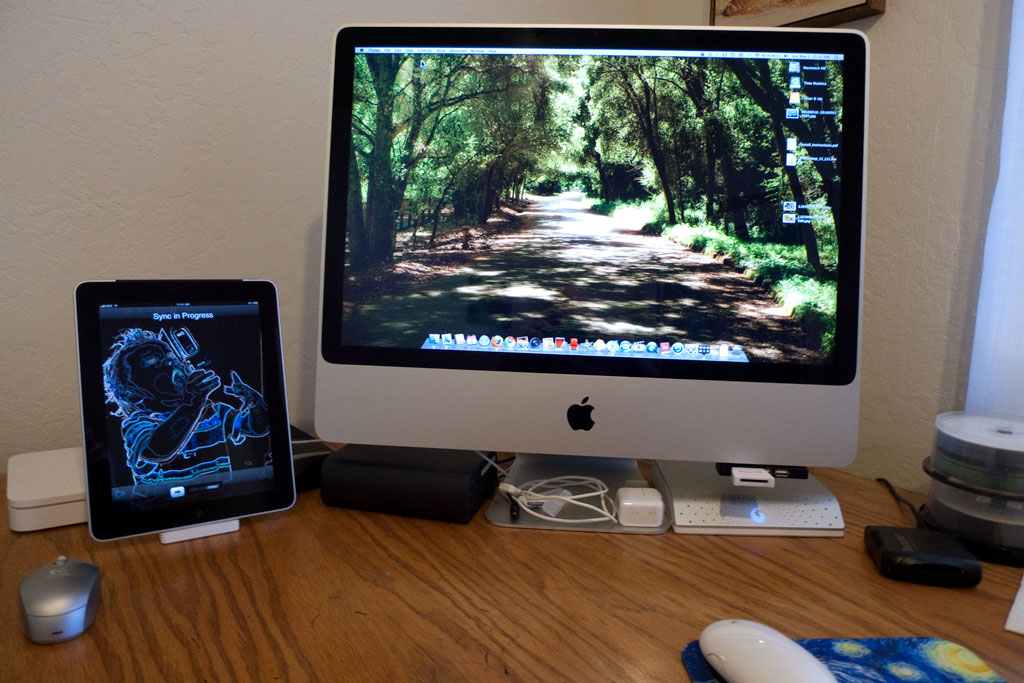
Now besides installing CS5 I received my new I-Pad with WI-FI and 3G on Friday so yes I have been doing a lot of playing around with my new toy. So far so good I love it and there are some great apps available for photographers. I will comment on some of those in future postings. I will end with a picture of my new set up.